











Your account stores your balance, betting and game history, payment details, and phone verification status. You can browse odds and available games before signing in, but deposits, withdrawals and bets require access to an account. The SlotPesa login form is the starting point for both new and returning players.

Use the mobile number registered on the account and the password created during sign-up. The same details work in a browser, on the mobile site and in the Android app. If you do not yet have an account, register first; if you have forgotten the password, restore access from the sign-in screen.
How to sign in to SlotPesa step by step
Open the official site and select the login button in the header. On a phone, open the menu first if the button is not visible. When the field already shows the +255 country code, enter a Tanzanian number without its leading zero: 07xx xxx xxx becomes 7xx xxx xxx.
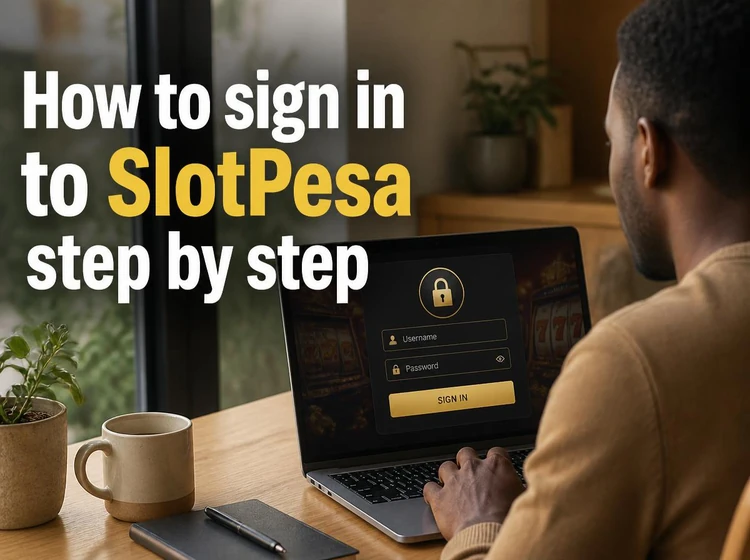
Passwords are case sensitive, so check whether automatic capitalisation is active before submitting the form. Do not save credentials on a shared phone or computer, and avoid public Wi-Fi when accessing account or payment information.
- Step 1: Open the sign-in form from the site header.
- Step 2: Enter the mobile number linked to the account.
- Step 3: Type the password and use the visibility icon to check it if needed.
- Step 4: Confirm once and allow the account page time to load on a slow connection.
- Step 5: Review your balance and open bets before placing a new wager.
How to register a new account
Choose the sign-up button beside the login form and provide a working Tanzanian mobile number. A confirmation code is sent by SMS, and this number becomes your account login. Using a number you control is essential because it is also needed for password recovery.
Registration requires your legal name, date of birth and a password. Accounts are for people aged 18+ only. Enter details exactly as they appear on your identification documents, as differences in names or dates may delay verification or a later withdrawal request. Keep only one account in your own name.
- A mobile number that can receive SMS messages.
- Your legal name and date of birth.
- A unique password that is not used for email or a mobile money PIN.
- Acceptance of the site terms and the way personal data is handled.
Password reset and account recovery
If the password no longer works, select the exact on-screen link «Forgot password?» rather than making repeated guesses. Enter the registered number, wait for the one-time SMS code, then set a new password. Once saved, the old password no longer works.
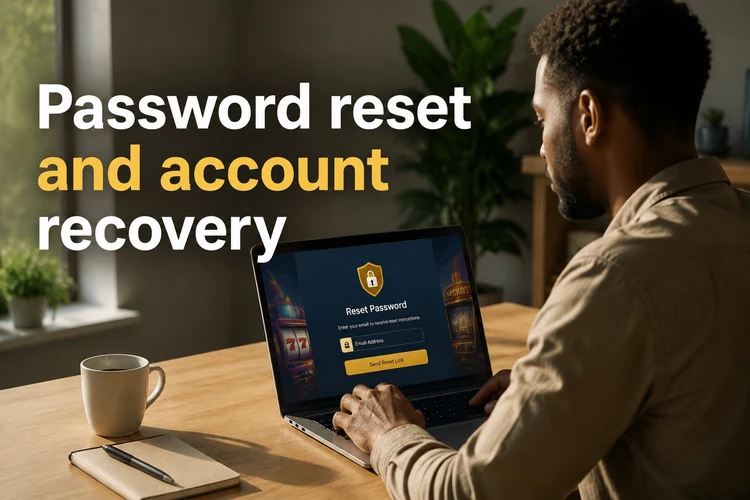
SMS delivery can take a few minutes during busy periods. Wait before requesting another code, as a new request may invalidate the earlier one. If no message arrives, check network coverage, inbox space and the number entered. Choose a password of at least twelve characters with letters, numbers and a symbol, and do not reuse it elsewhere.
The SlotPesa app for Android
The Android app gives access to the same account, balance and betting features as the browser. It can be more convenient on a phone and may provide bet-settlement notifications. Current installation information is available on the mobile application page.

If an APK is installed manually, download it only from the official site. Android may ask for permission to install from that source; turn the permission off again after installation. Avoid files shared through forums, group chats or file-hosting services, as altered files can compromise a device or steal login details.
Common login problems and how to fix them
Most failed attempts result from a typing error, an outdated saved password or an unstable connection. First retype both fields rather than editing saved text, then try switching between mobile data and Wi-Fi.
If access is locked after several failed attempts, or the app closes after an update, contact support with the error text and device model. The site contact details provide the appropriate way to report the issue.
- Wrong password - clear the field and enter it again carefully.
- Number not recognised - check the country code and whether the leading zero is required.
- App does not open - clear its cache or reinstall the current version.
- Page will not load - change connection, reload the page and try again.
- No SMS code - confirm coverage and free inbox space before requesting another.
Keeping your account secure
No legitimate representative needs your password by phone, SMS or social media. Treat any request for it as a scam. Log out after using a shared device, and change the password promptly if you have entered it on someone else’s phone or computer.
Check the address bar before entering credentials and use a saved bookmark instead of links forwarded in group chats. If betting stops feeling like entertainment, use the responsible gambling tools to set limits or take a break.
FAQ
Open the official site, select the login button and enter the registered mobile number and password. The same credentials work in the browser and Android app. If access fails, retype the password because it is case sensitive.
Choose the sign-up option, provide your mobile number, legal name and date of birth, then create a password. Confirm the SMS code sent to your phone. Registration is for people aged 18+ only, and your details should match your ID.
Select «Forgot password?» on the sign-in screen and enter your registered number. After receiving and confirming the SMS code, create a new password. Update any browser that had stored the old one.
Use the official site’s mobile application page for current installation information. If Android requests installation permission for that source, disable the permission again after the app is installed. Do not use copies shared through forums or messages.
Yes. The mobile site uses the same account and balance and does not require an installation. The app is an optional alternative for phone users.
Check the number format, re-enter the password and test another internet connection. Repeated failed attempts can lock access temporarily. If the issue continues, contact support with the device model and any error message.